
Anix
An anime catalogue, tracker, local library and player for the Linux desktop.

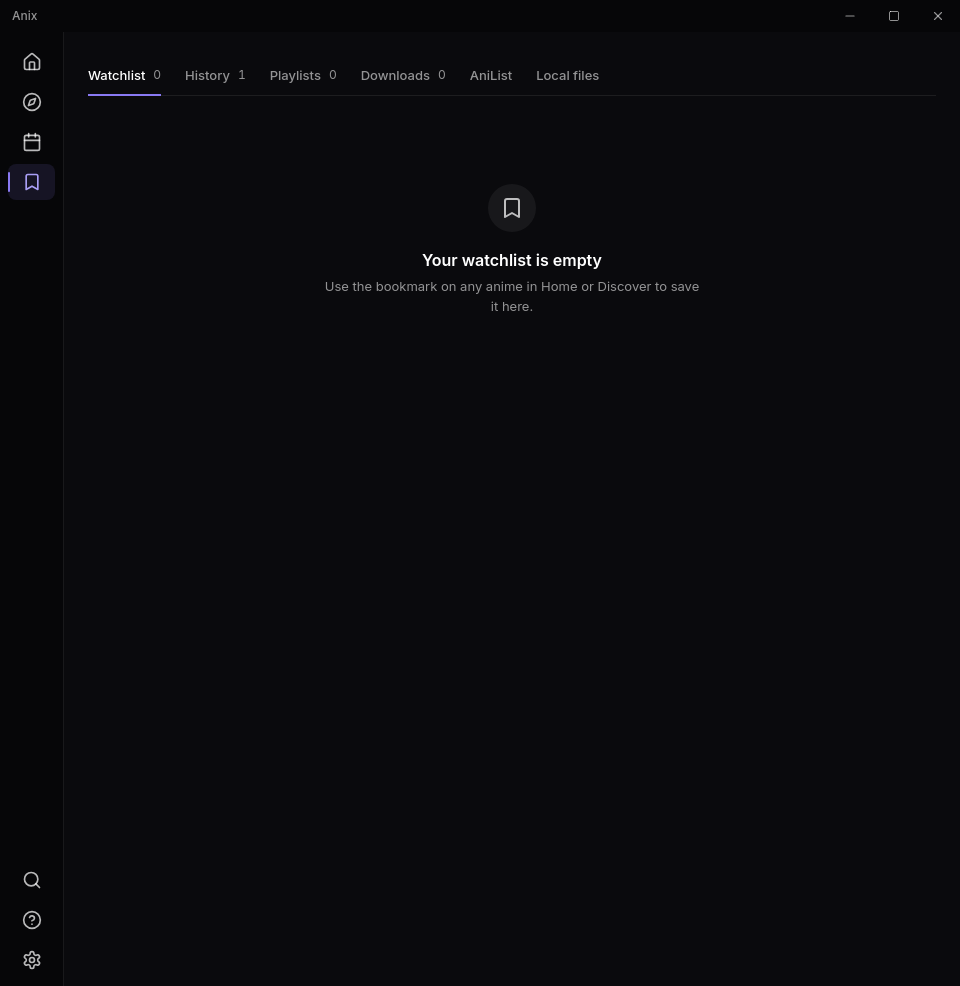
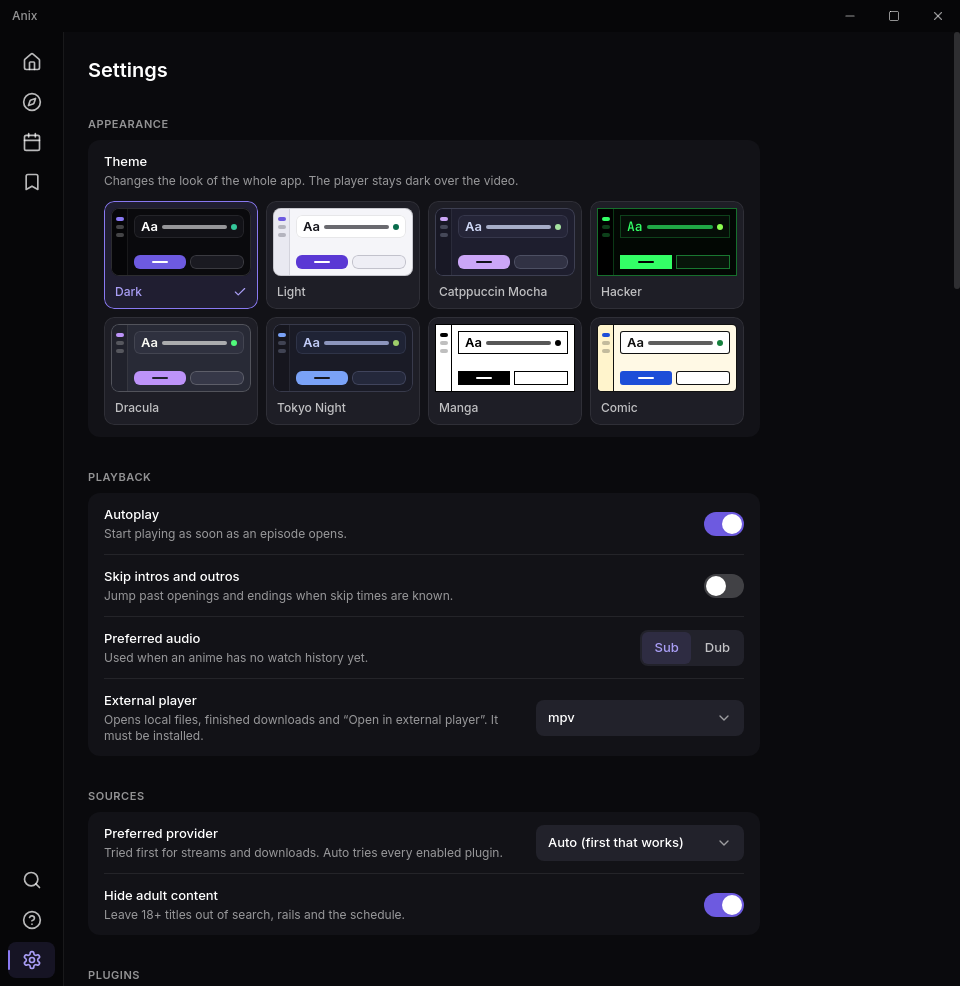
Features
-
Catalogue and discovery
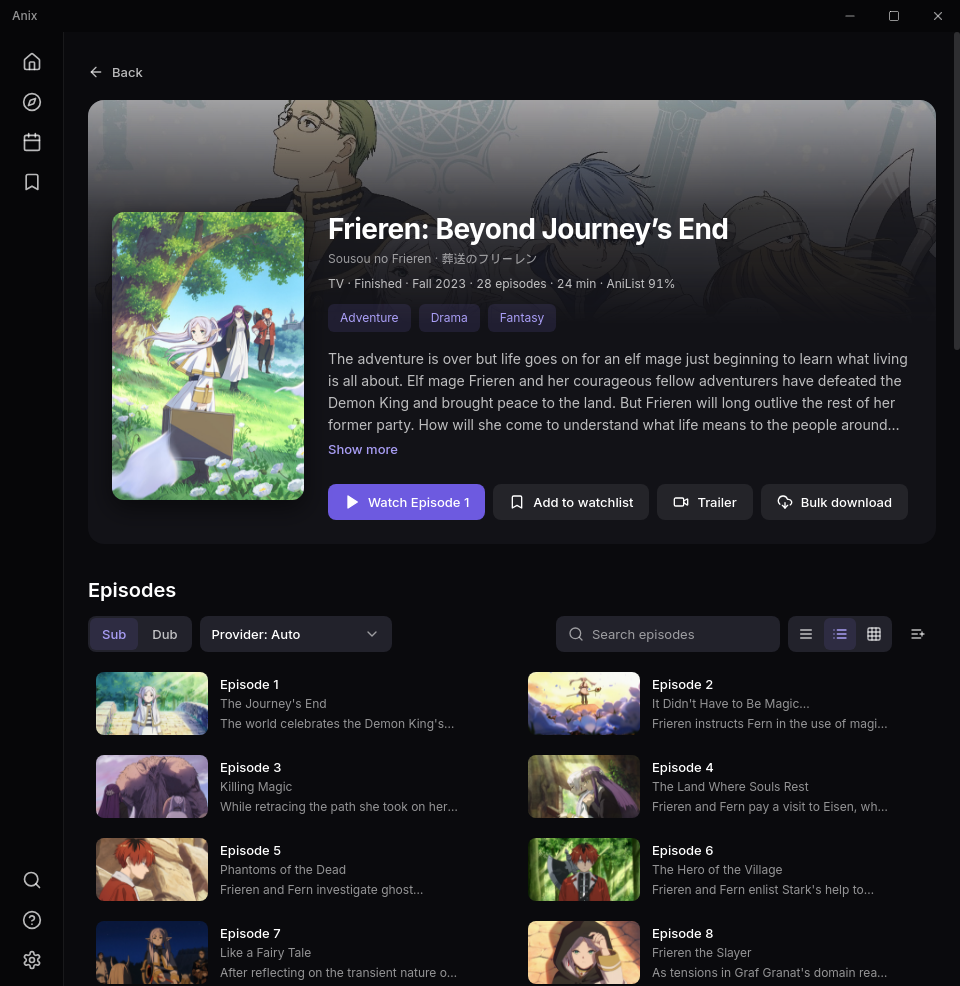
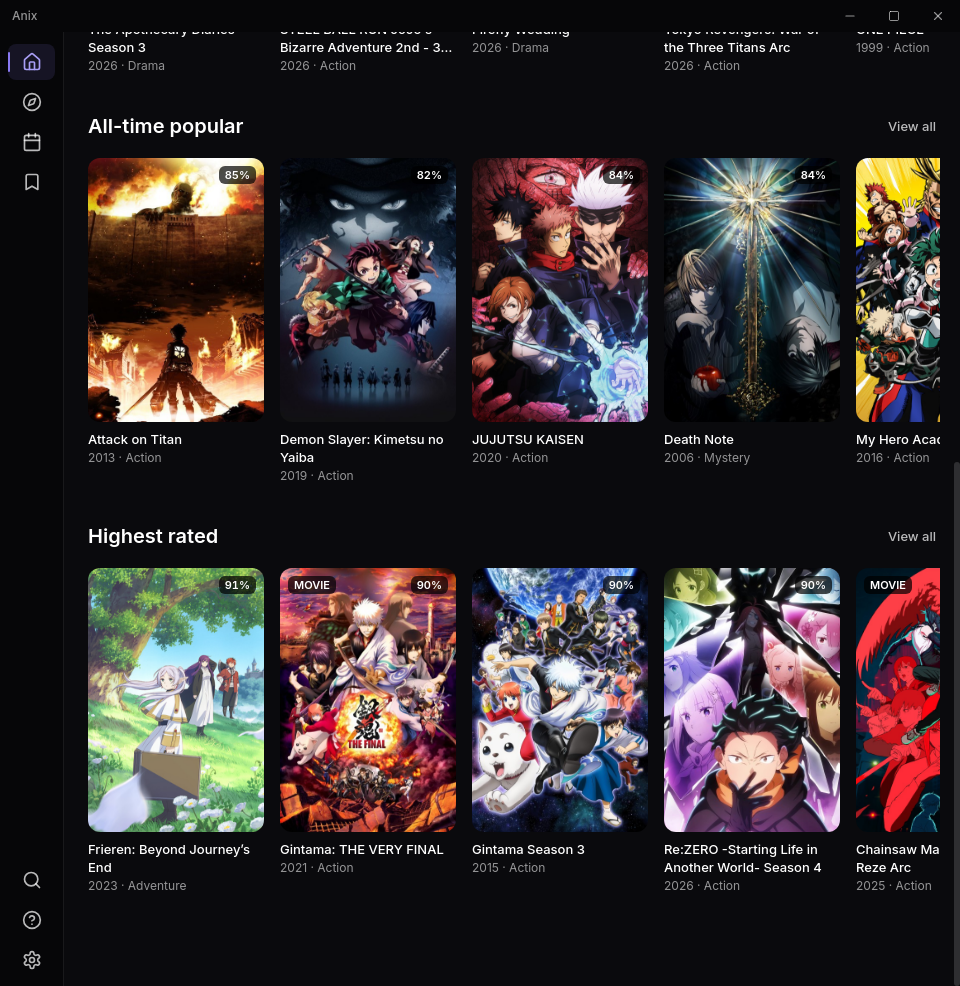
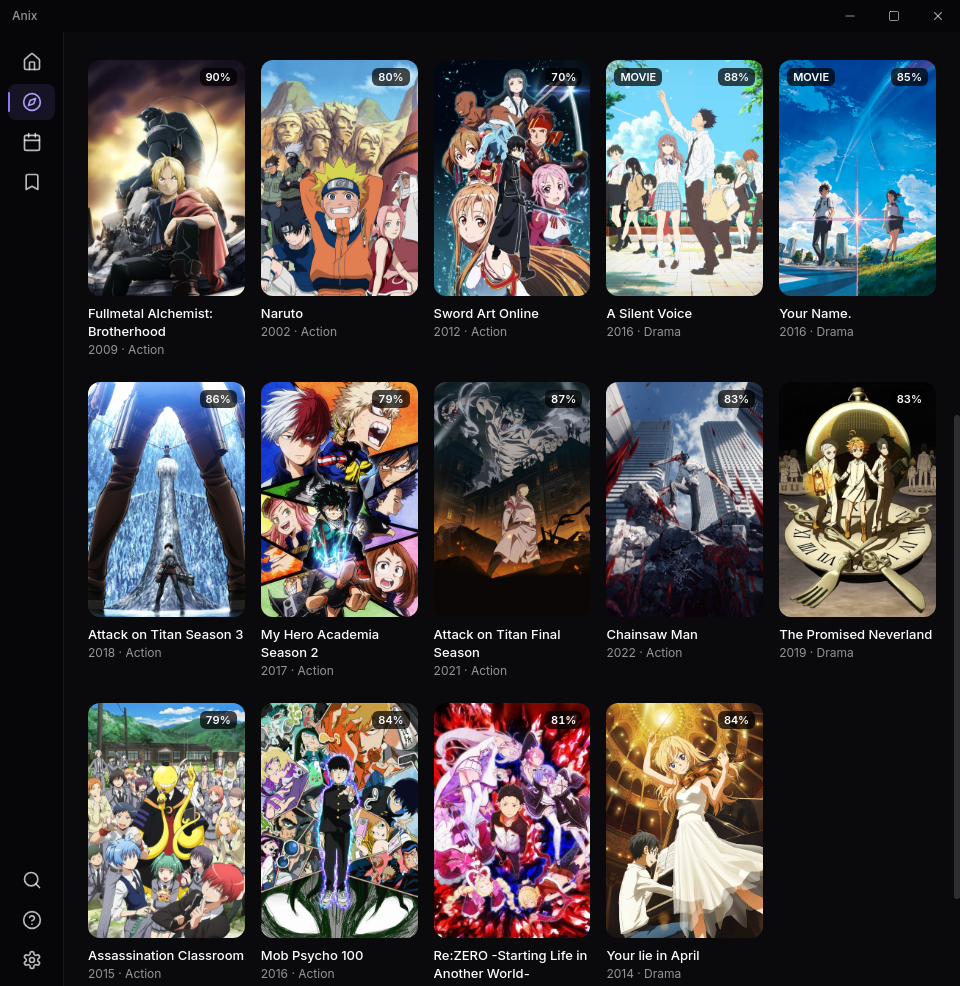
Search and browse anime with data from AniList: trending titles, filters, details and episode lists.
-
List tracking
Sign in to AniList or MyAnimeList. Finished episodes update your progress, and list entries can be edited from the library.
-
Airing schedule
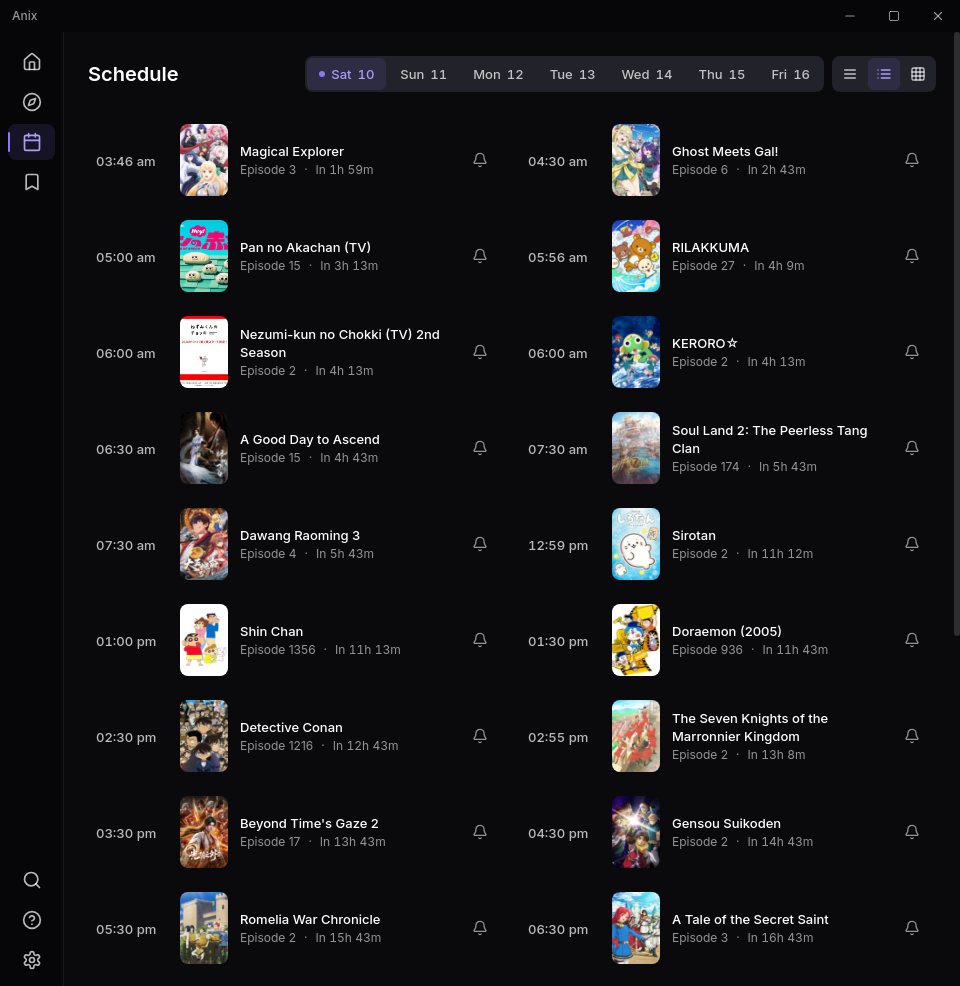
A weekly calendar with countdowns. Put a bell on an anime to get a desktop notification when a new episode airs while Anix is running.
-
Local library
Point Anix at your video folders. It reads series titles and episode numbers from the file names and lists them next to your downloads.
-
Downloads
A download queue that reports why a download failed and lets you retry it. Uses the
ffmpeginstalled on your system. -
Player
Subtitles with adjustable size, colour and delay, skipping of openings and endings, quality and audio selection, resume, keyboard shortcuts, and hand-off to mpv or VLC.
-
Themes
Several themes, dark and light, that change the look of the whole app.
-
Extensions
Playback sources are added as extensions that run in a sandbox without file access. How that works.
Install
-
Download the AppImage (or use the mirror).
-
Make it executable and run it, from a terminal in the folder you saved it to:
chmod +x Anix*.AppImage
./Anix*.AppImage
Or in your file manager: open the file's properties, allow it to run as a program, then double-click it.
Nothing is installed system-wide. To remove Anix, delete the file.
If it does not start on Wayland
On some Wayland desktops (seen on Fedora, with Niri, Sway and Hyprland) the window fails to open with an EGL display error. Start it with the system's Wayland library loaded first:
LD_PRELOAD=/usr/lib64/libwayland-client.so ./Anix*.AppImageThe path is the one on Fedora. On Debian and Ubuntu the library is /usr/lib/x86_64-linux-gnu/libwayland-client.so.0.
Extensions
Anix plays nothing by itself. Out of the box it is a catalogue, a tracker and a library for files you already have. Where an episode can be watched online is the job of an extension: a small script that knows one website and tells Anix where that site publishes an episode.
Extensions are maintained separately from the app. They are fixed and updated without a new version of Anix, and you choose which ones are switched on. Anix also accepts extension lists from other authors in the same format (Seanime's online-streaming providers).
Add the extension list
This is the link of the extension list:
https://anix-linux.vercel.app/extensions
-
Copy the link above and open Settings → Plugins in Anix.
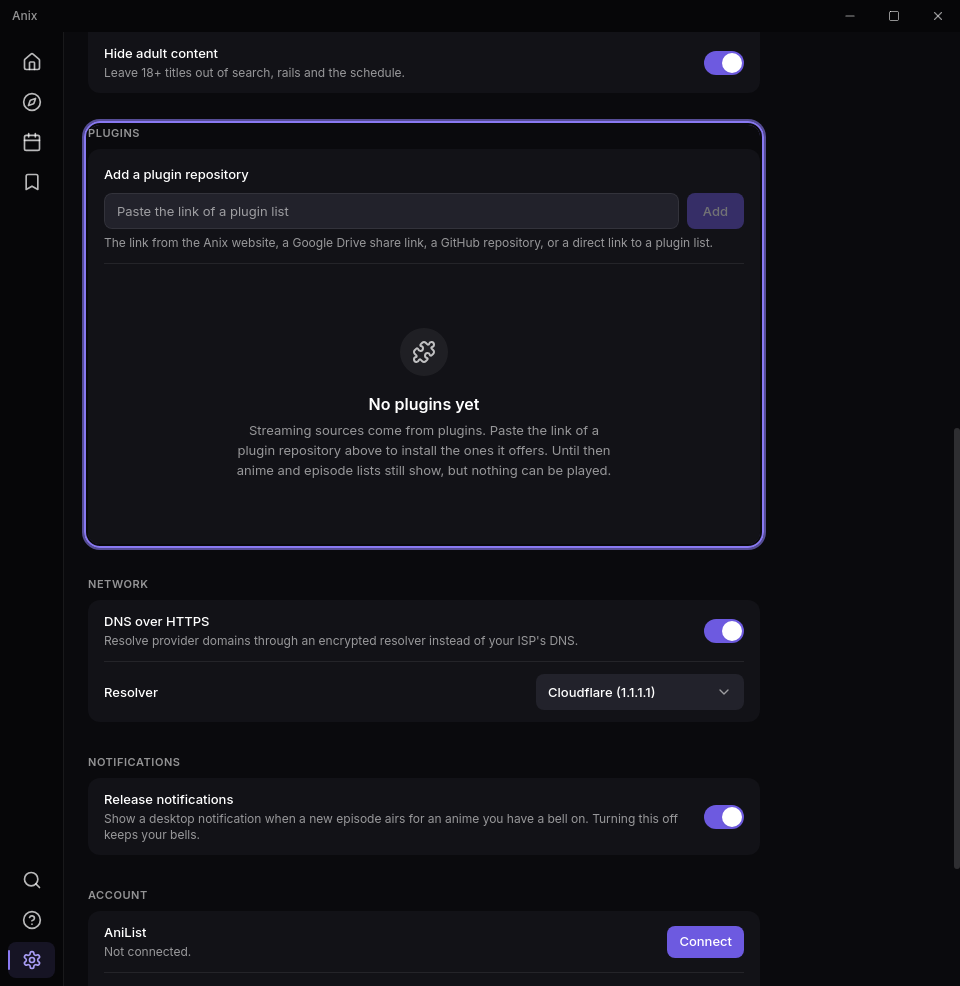
-
Paste the link into the box and press Add.
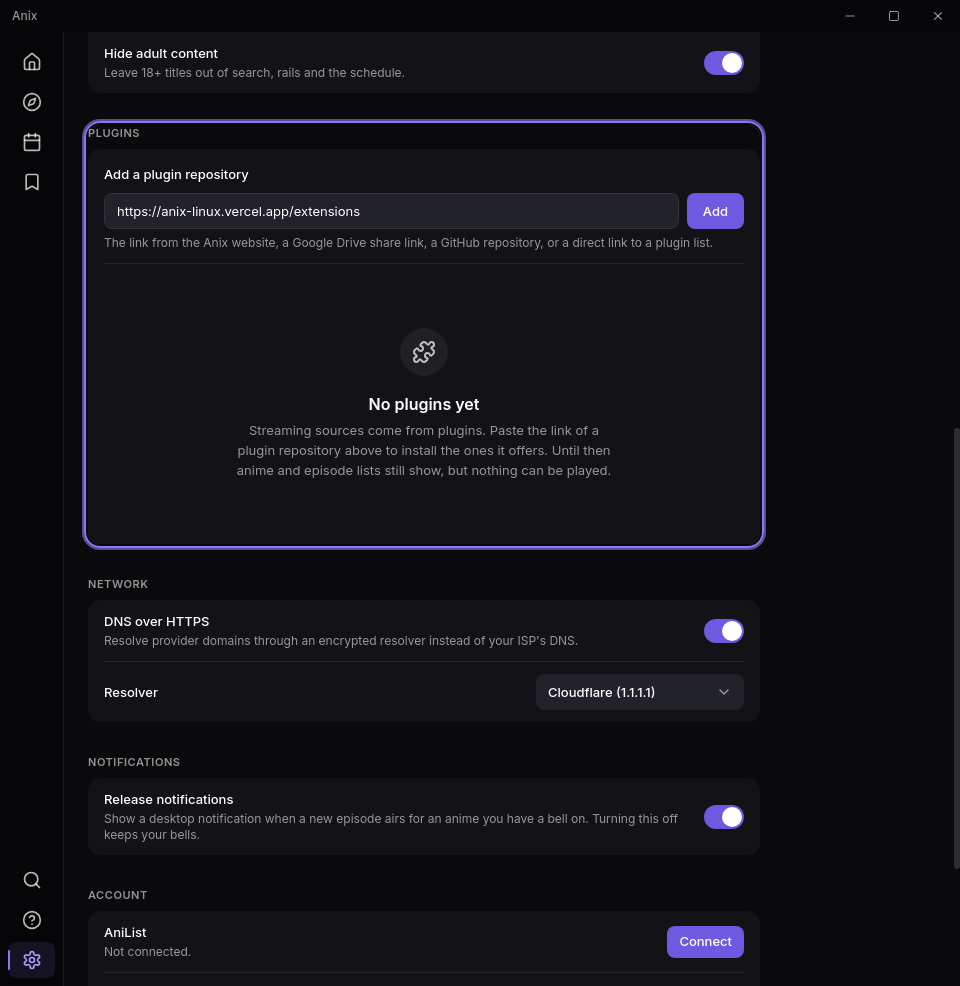
-
Done. The extensions are listed, each with its own switch. Open an anime and press play.
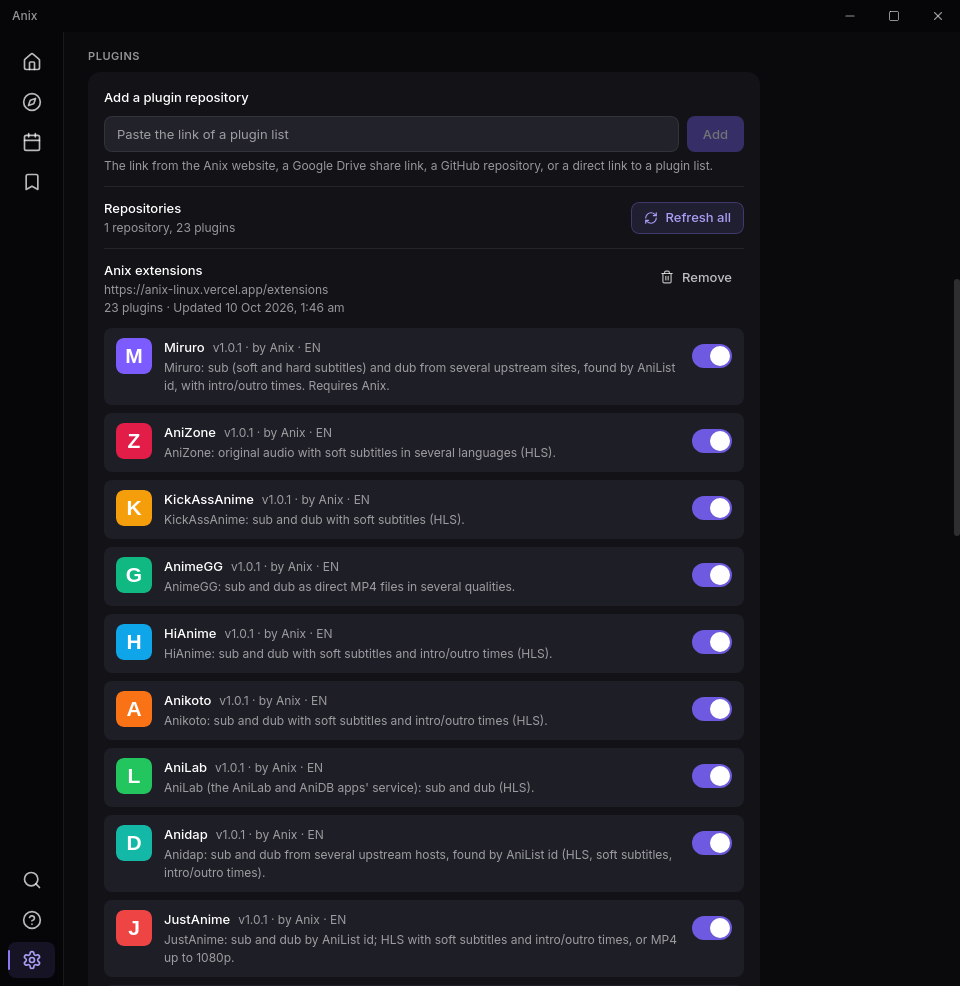
Anix reads the list again every time it starts, and when you press Refresh all, so updates arrive on their own. The link stays the same.
Sites that ask you to verify
Some websites answer an app with a "checking your browser" page. When that happens the player shows a Verify button. It opens the site in a window of Anix, you pass the check yourself, and Anix then uses that session for the site and remembers it. Nothing is solved or bypassed for you.
Changelog
Version 1.2.0
Languages
- Choose subtitle and dub languages in order in Settings → Sources; Auto only uses extensions in those languages, so a faster site in another language no longer takes over.
- Server lists are grouped by language, and multi-audio dubs start in your dub language.
Your own episodes
- Load your own episodes on an anime's page plays your files in the built-in player with resume and AniList/MAL sync; finished downloads count too.
- Library → Local files recognises release file names and matches them to AniList.
Player
- Smoother playback at higher speeds.
- mpv and VLC get the subtitles; mpv starts where you were and syncs progress.
- Media keys and desktop media controls, a mini-player, dialogue boost, drag-and-drop subtitles, a second subtitle and adjustable subtitle height.
More
- Downloads show real progress.
- 13 new extensions in Hindi, English, Spanish, Portuguese, German, French, Arabic, Indonesian and Turkish.
- Tray mode, offline mode, hardware decoding check, extension tests, Stats, an OLED theme, the system accent colour and many interface touches.
Version 1.1.0
- Anilili Linux is now called Anix.
- Extensions are added with one link, the one in the Extensions section of this site, pasted into Settings → Plugins. The earlier GitHub link no longer answers; add the new link once.
- The app looks for new versions on this site.
Version 1.0.3
Plugins
- Sites behind a browser check: when a site answers a plugin with an anti-bot page, the player offers Verify. The site opens in an in-app browser window, you pass the check yourself, and the app then sends that plugin's requests to the site through the same browser session. Verified sites are remembered across restarts. Nothing is solved or bypassed automatically.
- Seanime compatibility:
{{field}}placeholders from a plugin'suserConfigare filled with the saved value or the default, and$scannerUtilsis available, so more community plugins load. - A stream that answers with a web page or an anti-bot page instead of video is rejected with that reason instead of being offered.
Player
- Direct MP4 streams now report their length and accept seeking. Files with their index at the end used to fail with "The video could not be loaded".
Version 1.0.2
Streaming sources are plugins
- The app no longer contains any streaming source. Sources are JavaScript plugins in Seanime's
onlinestream-providerformat, run in a sandboxed engine and installed from a link in Settings → Plugins, each with its own on/off switch. - Added plugin lists are re-read at every launch and with Refresh all.
- With no plugin enabled the app still shows anime and episodes and says what is missing.
Playback
- Streams and subtitles are fetched through a local proxy that adds the headers stream hosts require, so packaged builds play the same as development builds.
- Rebuilt player: loading and error states, fallback to the next stream, resume, working server, subtitle, audio and quality selection, subtitle delay, SRT and ASS subtitles.
- AppImage builds bundle the media plugins they need.
Library, accounts and notifications
- Watch history is kept per episode (existing history is migrated).
- AniList and MyAnimeList sign-in in an in-app window; finished episodes update the connected lists; list entries can be edited from the Library. Account tokens stay in the backend.
- A bell per anime sends a desktop notification when a new episode airs while the app runs.
- Downloads have a real queue, report why they failed and can be retried.
Network and security
- DNS-over-HTTPS (Cloudflare, Google or AdGuard) for all backend requests.
- External players are limited to mpv and VLC and only receive http(s) URLs; the settings file is written atomically and readable by the owner only; a content security policy is set.
Interface
- Repaired theme tokens, shared buttons, dialogs, tabs and switches, calmer typography, bundled fonts, keyboard focus and screen-reader labels.
Removed
- The built-in providers, the legacy Python application and Discord presence.
Version 1.0.1
- Initial Tauri release.